
Tickets
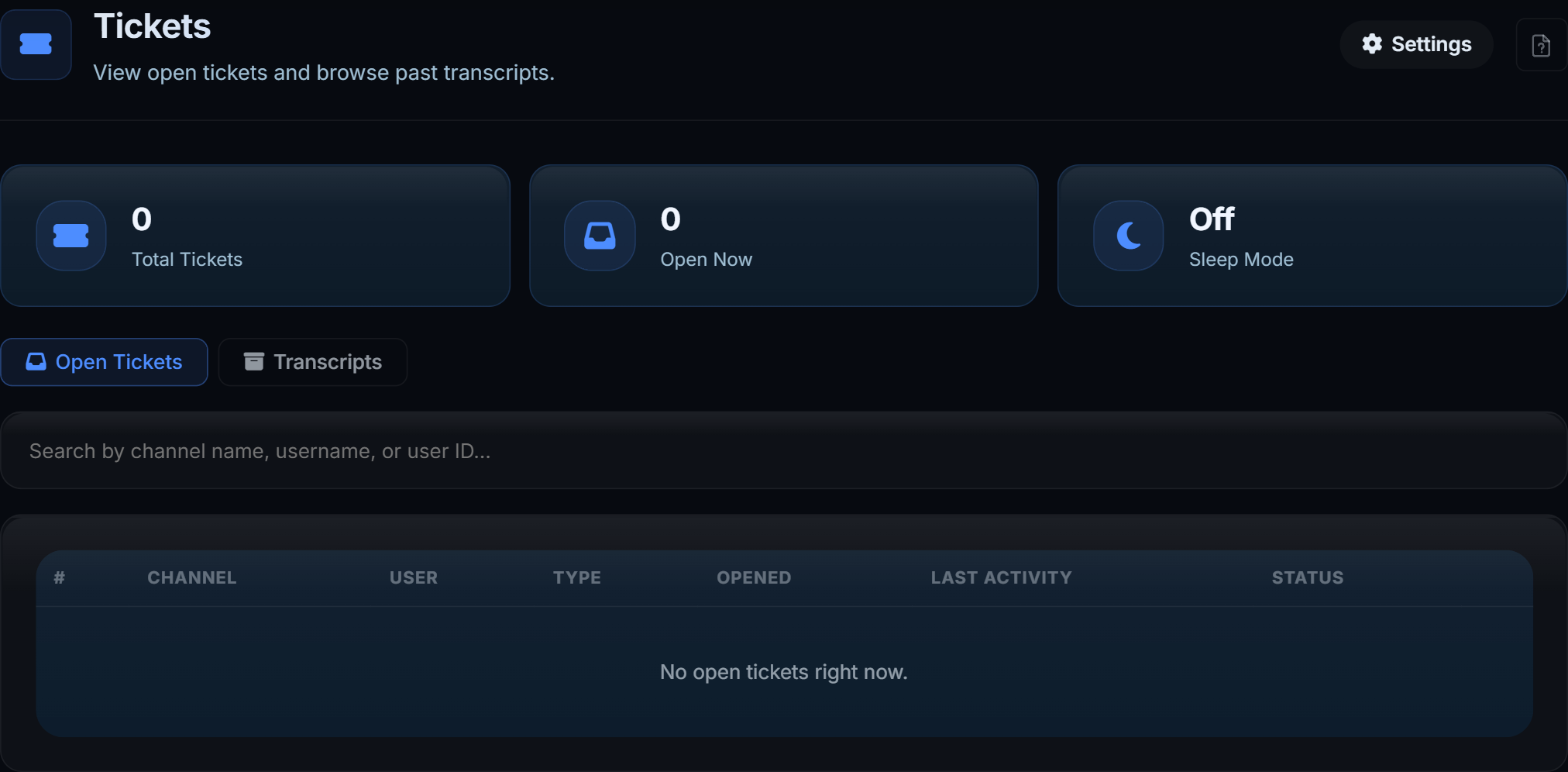
A panel members click, a private channel per ticket, a transcript when it closes.
#Ticket types
One button on the panel each: label, emoji, colour, description, welcome message, and questions asked in a form before the channel is made.
The type becomes part of the channel name (ticket-0042-giveaway-username), which is what
keeps transcripts sortable.
Post the panel into a channel; reposting replaces the old one rather than stacking.
#Working one
Staff get the channel, the opener and the answers. The dashboard shows a ticket live without marking the channel read for you.
#Transcripts
Every message, sender, timestamp and attachment. The close message links to it.
Transcripts open in the dashboard, behind the same access rules as everything else - they are not public links. A scoped role narrowed to certain types only ever receives those transcripts, including attachments inside them.
#Settings
| Setting | What it does |
|---|---|
| Staff roles | Who is added to every new ticket |
| Ticket category | Where ticket channels are created. Empty means whichever category is named TICKETS |
| Ticket count | The running number in channel names |
| Sleep mode | Stop taking new tickets without removing the panel |
| Inactivity reminder | Nudge a quiet ticket before closing it |
| Auto close | Close after a period of no messages |
| Close message | Posted when a ticket closes |