
Hosting matches
A match opens, fills, is played, a result is reported, and it completes. Every step is a row with a deadline, which is why nothing gets stuck and why there is no command to unstick one.
#Opening one
/host takes a mode and a division, both from your own config.
| Option | What it does |
|---|---|
mode |
Which format |
division |
Which band |
vs |
Makes it a clan match against that tag |
The panel carries Join, Leave, Cancel, Subs and Switch Mode. Each seat shows the player's linked game username and rank, and marks the host.
/host vs:<tag> names both sides up front. A seat belongs to whichever side a player is
on, not to whoever clicked first.
#Reporting a result
/result, run by somebody in the match. Settings decide whether it needs a screenshot,
needs the other side to confirm, and who may submit at all.
Set a vault channel under Hosting. Screenshots arrive on messages the uploader can delete, and deleting really does destroy the attachment. With a vault the bot keeps its own copy. Without one it stores the uploader's link and warns you - the only setup that can lose an image.
#The ladder
/standings, and the public site. Nothing is stored as a running total, so a result
corrected later corrects the ladder with it.
#When a match looks wrong
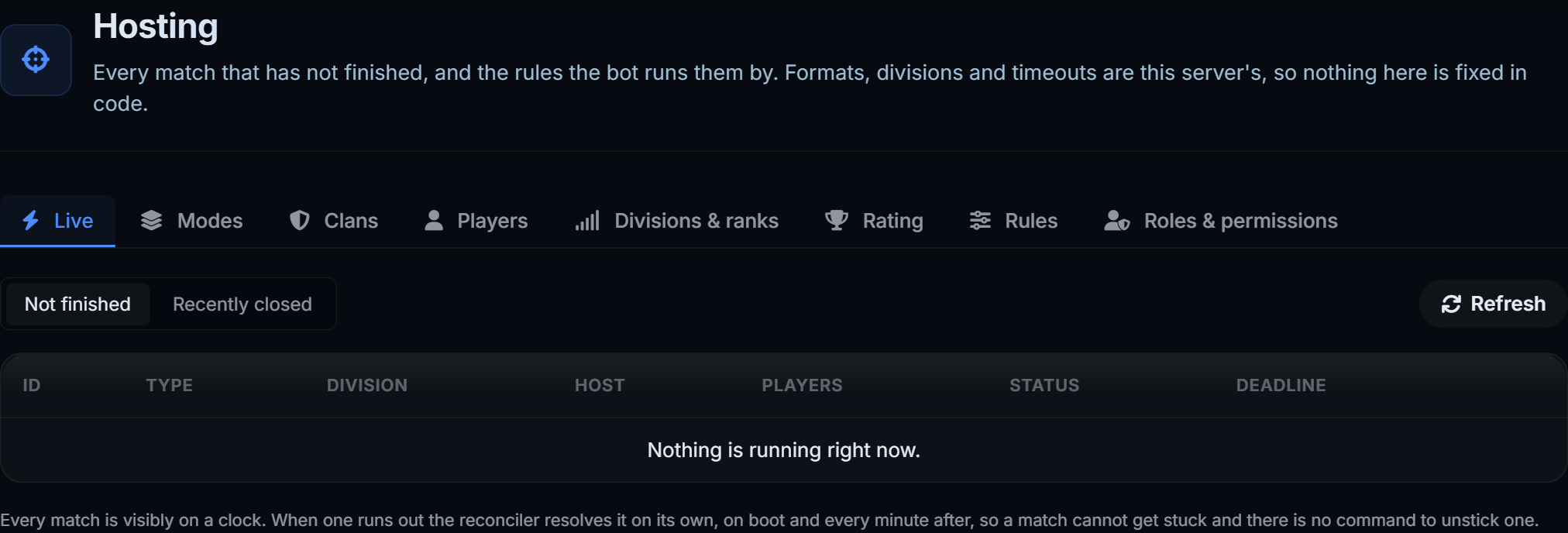
Open Hosting on the dashboard and click it. Every transition is listed with an actor and a timestamp. Staff can force one from there and the force is written down too.
A match past its deadline is resolved on boot and on a timer.
#Commands
| Command | What it does | Also | Who |
|---|---|---|---|
/host |
Open a match for people to join | m!host |
Everyone |
/result |
Report the result of a match you are in | m!result |
Everyone |
/standings |
The hosting ladder | m!standings |
Everyone |
/clan |
Clans, their members and their ranks | m!clan |
Everyone |
/link |
Link your game username | m!link |
Everyone |
/unlink |
Remove a linked game username and any verified Roblox account | m!unlink |
Everyone |
/setrank |
Set a member rank | m!setrank |
Staff |
Ranks and divisions have their own page.