Auto moderation
Watches messages and joins and acts without a moderator. Everything here ships off.
#Actions
Every filter has the same three parts: on or off, what counts as a breach, what happens.
Delete · Warn · Mute · Kick · Ban · Lockdown (raid filters only)
Anything above Delete creates a case, so it shows in /history next to the manual ones.
#The filters
| Filter | Catches | Worth knowing |
|---|---|---|
| Spam | Too many messages too fast | Count and window are yours |
| Bad words | A word list you write | Groups, so slurs and mild words can carry different actions |
| Mentions | Too many pings in one message | First line against ping raids |
| Links | Any link | Has an allowed-domain list |
| Invites | Discord invites | Separate from links on purpose |
| Caps | A percentage of the message | The minimum length stops "OK" being caught |
| Duplicates | Near-identical messages | Catches a repost with one character changed |
| Attachment spam | Too many attachments in a window | |
| Emoji spam | Too many emoji in one message | |
| Newline spam | Messages padded with blank lines | |
| All caps | A message entirely in capitals | |
| Raids | Too many joins too fast | Can lock down instead of punishing individuals |
#Exemptions
Exempt roles and exempt channels apply to every filter at once, and are checked before the filter runs.
#Join guard
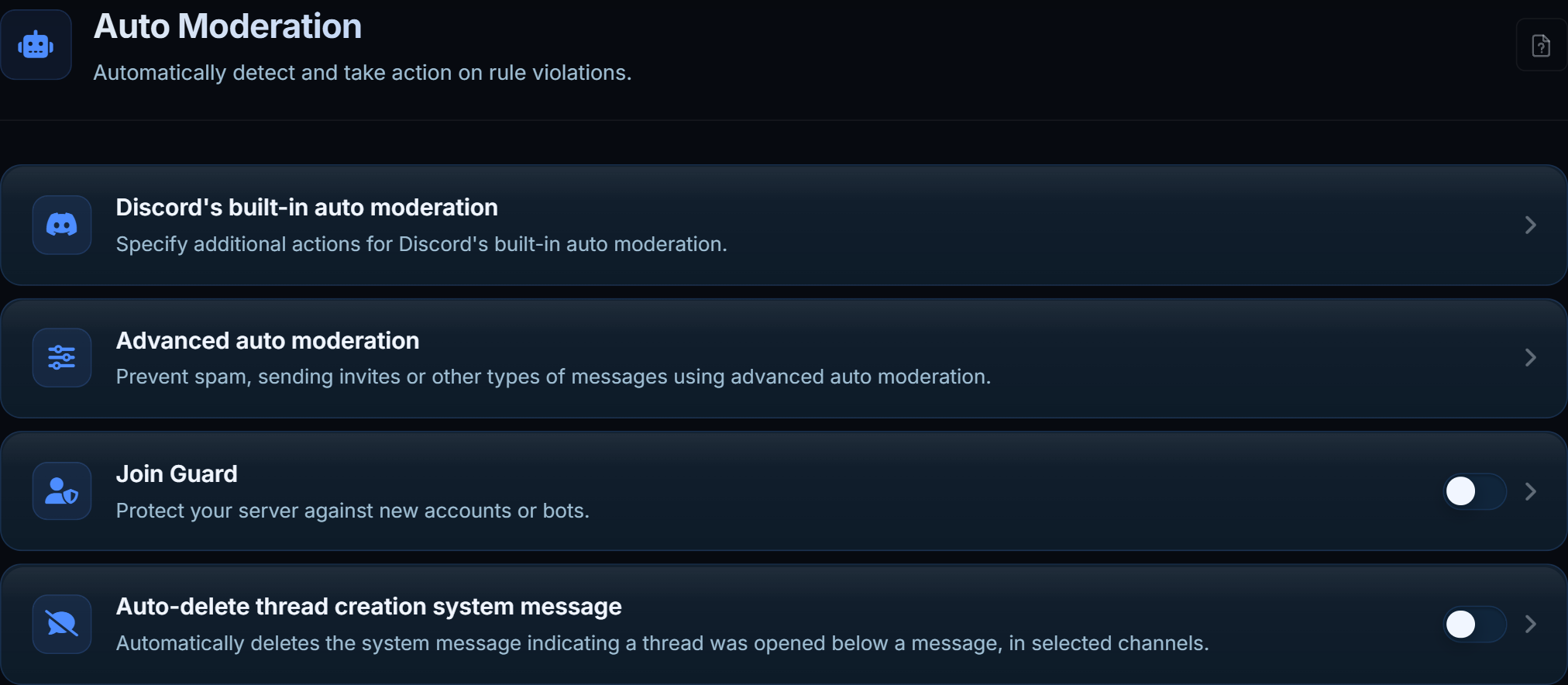
Looks at accounts as they arrive rather than at what they say. Each has its own action and its own log channel.
| Setting | Checks |
|---|---|
| Minimum account age | Accounts younger than a number of days |
| Block default avatar | Accounts that never set a picture |
| Block generated names | Discord's user12345 auto-names |
| Block unverified bots | Bots without Discord's verification |
Minimum account age is the most effective raid setting and the one most likely to catch a real new member. Start low.
#Discord's own automod
Where a filter maps onto something Discord can do natively, MDA writes the rule into Discord's AutoMod too - it blocks the message before it is sent. Set an action and a log channel and the rules sync on save.