
Messages & templates
Every message the bot sends is a template. There are 441.
#Default messages
Every reply, DM, log line and error, grouped by area. An override replaces the default for this server only; reset brings the default back.
#Variables
| Variable | Becomes |
|---|---|
${usertag} ${usermention} ${userid} |
The user |
${servername} |
The server's name |
${reason} ${caseid} ${duration} |
The case |
${appealsiteurl} |
Your appeal page |
${checkemoji} ${closeemoji} ... |
The MDA emoji, by name |
The editor lists every variable a template supports.
Use
${appealsiteurl}rather than pasting the link. A hardcoded link goes stale the day the address changes and nothing tells you.
#Templates
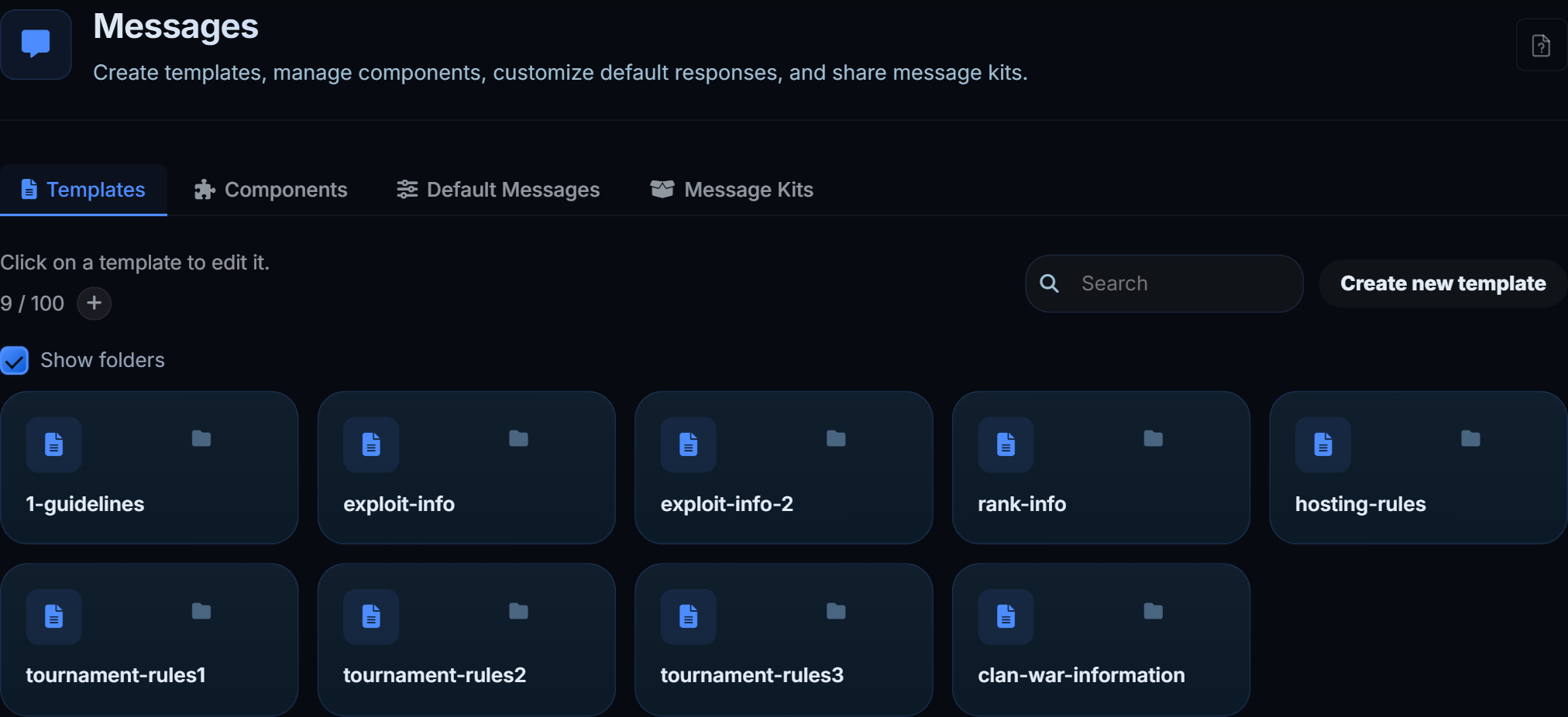
Messages you compose: rules posts, announcements, panels. Text, embeds, images, componentsV2 layouts and buttons.
| Way to send | For |
|---|---|
| Send | Post it now |
| Edit existing message | Paste a message link and re-push over it, keeping pins and links |
| Sticky | Keep it at the bottom of a channel |
| Schedule | Post on a repeat |
| Automation | Post when something happens |
Images are stored as their Discord link and re-signed every send, so they do not expire the way a pasted attachment link does.
#Components
Buttons and select menus defined once and reused. Changing a component's label or emoji changes it everywhere it is used.
#Message kits
A set of templates packaged together, so a setup can be brought up without building each message by hand.